 AgentNod
One queue for several agents
Claude Code, Codex and Cursor raise decisions in the same list, oldest first. Gemini CLI shows what it is doing.
For Claude Code, Codex and Cursor on macOS
Your coding agents stop to ask before they run a command, edit a file or start on a plan. AgentNod puts every one of those requests in one queue on your Mac, with the exact command or diff, and sends your answer back to the agent.
macOS 14 or later. One email when your build is ready, one at launch. Nothing else.
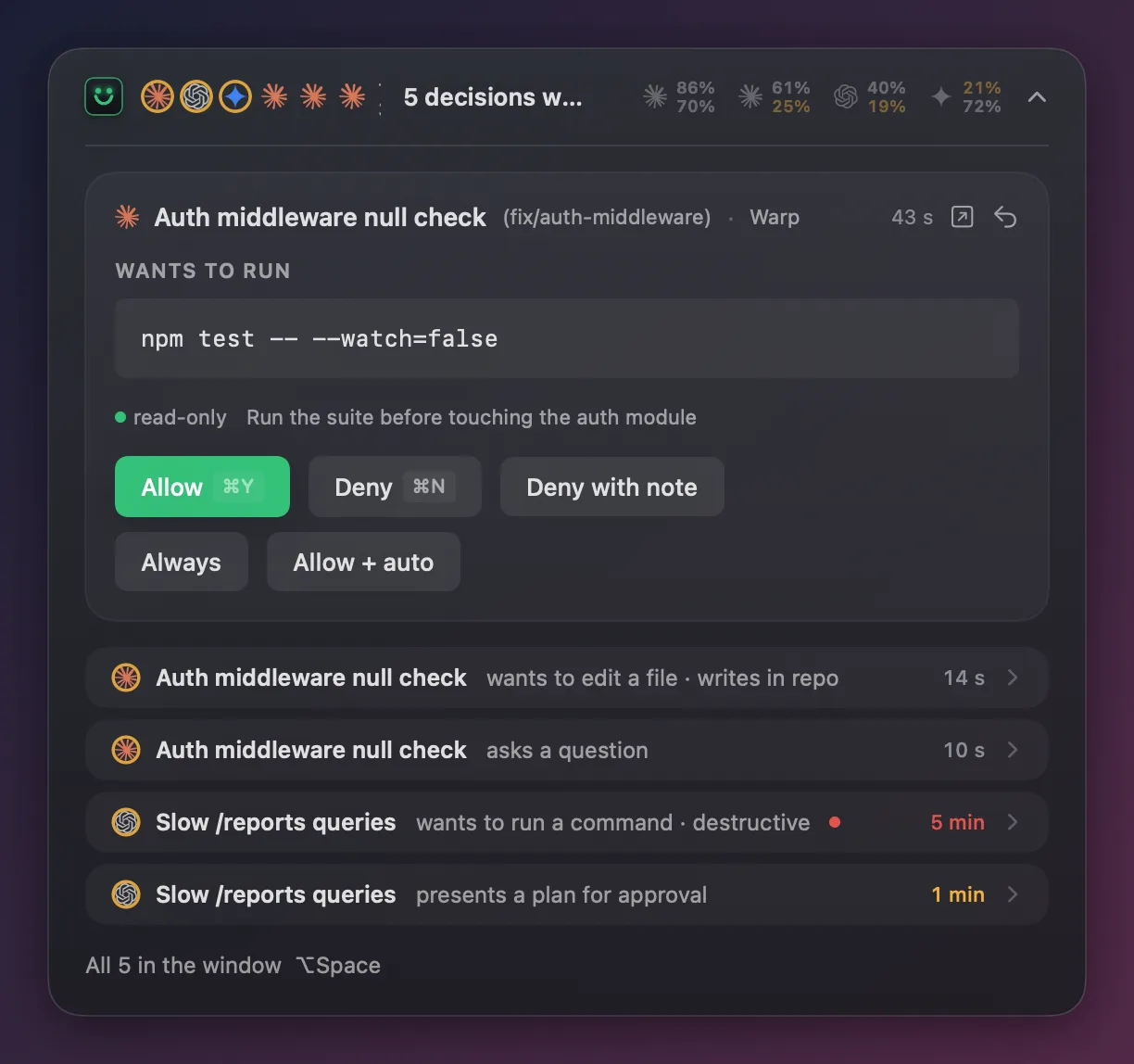
A card opens in the HUD with the session's name, folder and branch, the exact command or diff, and a risk label that runs from read-only to destructive.
Allow with ⌘Y, deny with ⌘N, or deny with a note the agent reads as feedback. Always turns the answer into a rule. A destructive command asks you twice.
The answer goes back through the agent's own hook, in the shape that agent accepts. The Claude Code reply is tested against the real claude CLI.
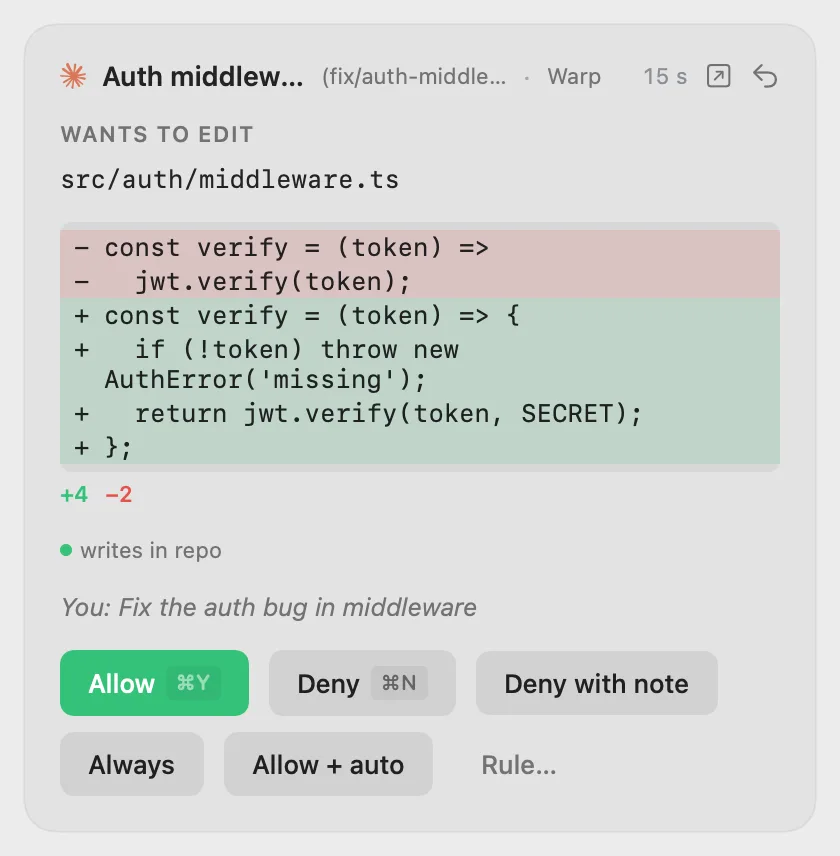
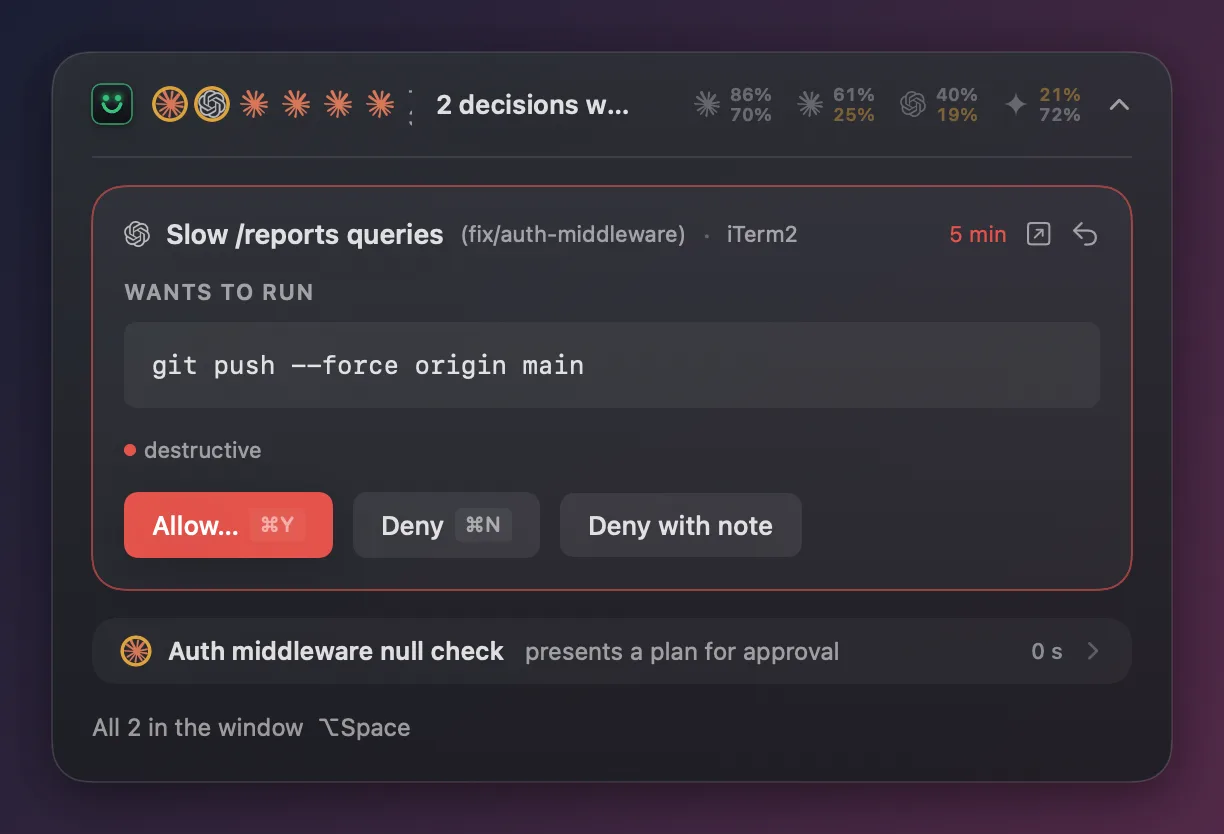
Claude Code, Codex and Cursor raise decisions in the same list, oldest first. Gemini CLI shows what it is doing.
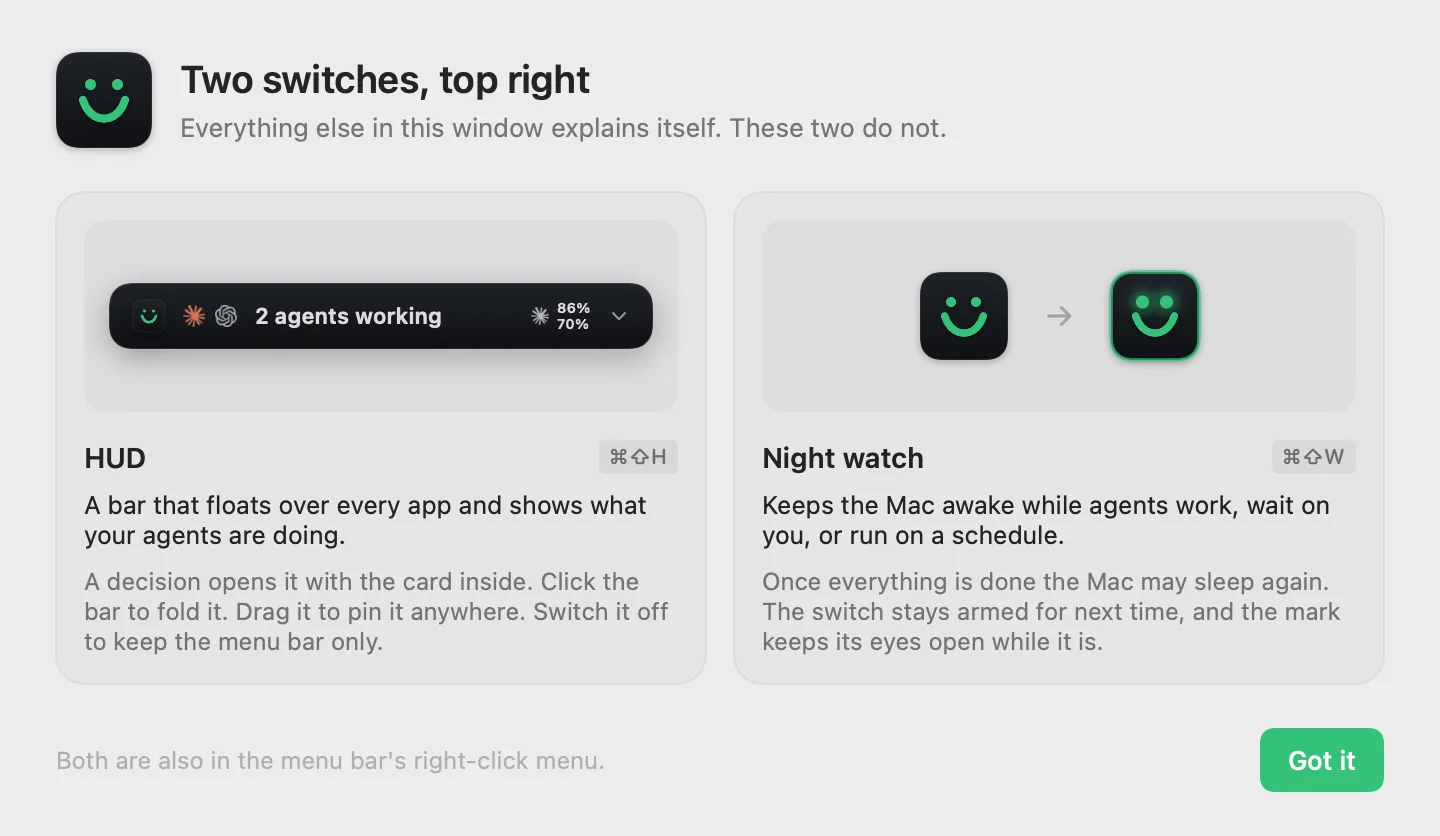
The HUD docks to the notch or to any edge of any display and opens when something needs you.
Rather answer in the terminal? One arrow sends the prompt back, and ⌘J jumps to the window it came from.
"Always allow npm test in this repo", written through to Claude Code's own permissions.allow if you want it there.
Claude's scheduled tasks get their own section: when each one ran, what it did and when it runs next.
Keeps the Mac awake while agents work, wait on you or run on a schedule, then lets it sleep.
Sessions, decisions, spend per day and how much of each account's limit is left.
A private page served by your Mac over your network or Tailscale, plus push notifications with Allow and Deny on them.
AgentNod reads the agents' own session logs and the hook events they send it. It never reads your credentials and never calls a vendor's API. Usage figures come from those logs and, if you run it, the local OpenUsage app.
Nothing leaves the Mac unless you switch on the phone relay. The phone page is served by your Mac on your own network or Tailscale. Push goes through ntfy, on ntfy.sh or a server you host.
€9.99 once
Two days free first, no card.
Later
Allow and Deny from the lock screen, a Live Activity per session, the queue in your pocket.
Beta members hear about it first.
Claude Code and Codex send their permission requests, questions and plans to AgentNod, and you answer them there. Cursor shows its sessions and activity, and one switch in Settings routes its shell and MCP approvals through AgentNod too. Gemini CLI shows its status. Its hook cannot grant a permission, so its prompts stay in the terminal.
The hook returns at once and the agent asks in the terminal, as if AgentNod were not installed.
It adds its own hook entries to each agent's config and leaves every other entry alone. Before the first change it keeps a copy of the file with a .before-nod suffix. Settings names the file every switch edits.
Both can be installed, but two approvers show the same prompt and the agent waits for both. AgentNod warns you when it finds one so you can switch one off.
The App Store sandbox does not let an app write other apps' hook configs or bring a terminal window forward. AgentNod ships as a signed, notarised download from this site.
No. AgentNod is a native Mac app and stays one.